Functional Equivalence, recommended substitutes, never imposed
Recommended Substitutes, Surfaced at the Point of Order
When a primary item is back-ordered, recalled, or discontinued, Functional Equivalence surfaces clinically equivalent alternatives right at the point of order. Recommended, never imposed: clinicians keep the final call, and buyers get informed options.

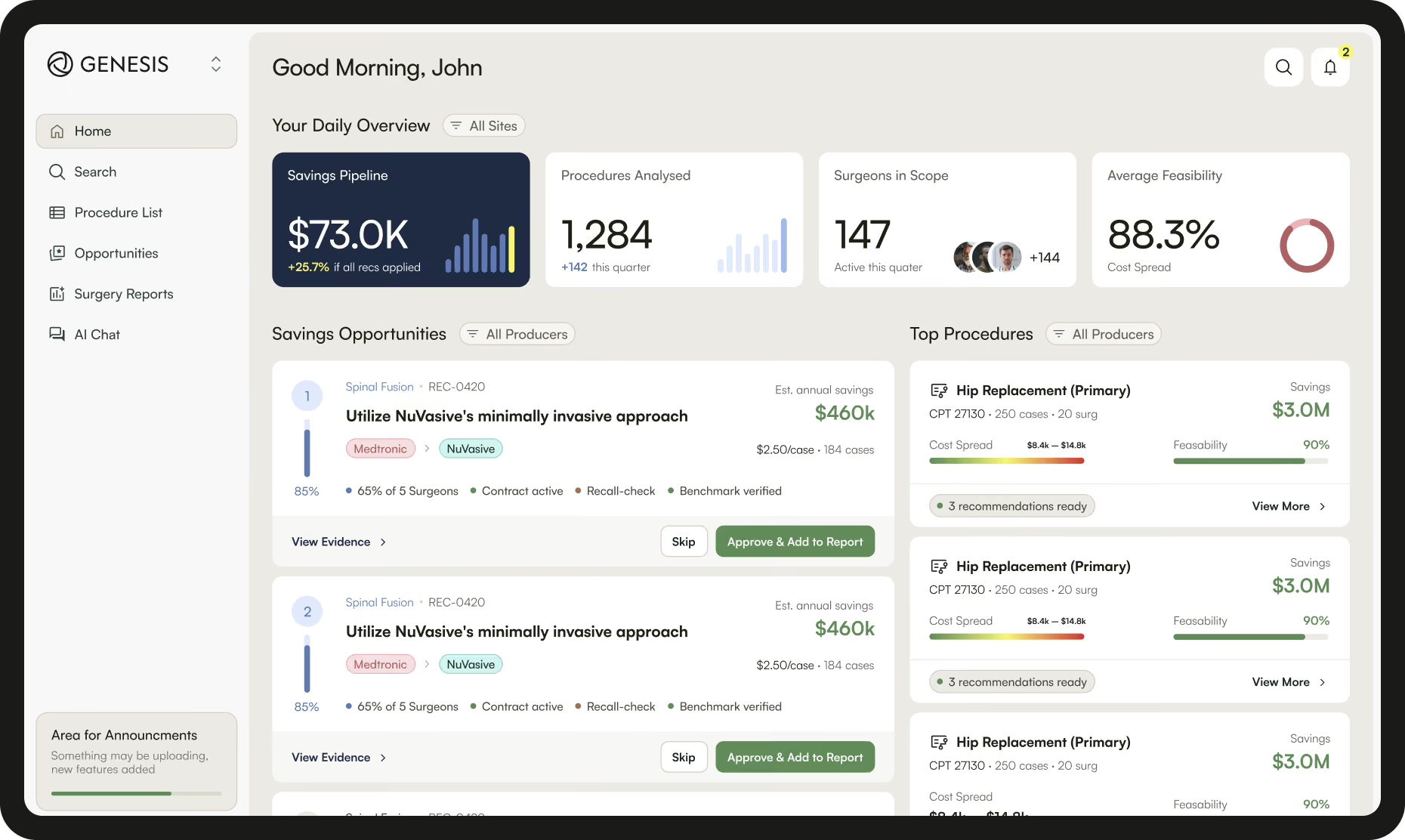
Primary Item. Equivalent Alternatives. Side by Side.
One screen shows a back-ordered item, the equivalent alternatives surfaced beside it, and the attribution explaining why they match.
The Problem
When primary items go unavailable, supply chain teams often rely on tribal knowledge to find substitutes. Recall responses slow down, and lower-cost equivalents go unrecognized, leaving savings on the table.
The Capability
Functional Equivalence matches items by clinical noun, type, and attribution such as size, material, and manufacturer. Equivalents surface at requisition with supporting evidence, and lower-cost options appear as opt-in savings, never automatic substitutions.
The Outcome
Supply chain teams stop scrambling during disruption, and recalled items get redirected to safe alternatives before the procedure starts. At Allegheny Health Network in the US, functional equivalency identification moved from 0% to 70% after going live with Genesis.
Powered by Content Management
Built on the Classified Catalog Content Management Governs
Functional Equivalence runs on the same classified item master Content Management produces. Without that classification depth, matching would fall back to text search, which isn't safe in clinical settings.
What Content Management Provides
Continuously governed item data, contract pricing, recall intelligence, vendor catalogues, and industry codification.
Explore
What Functional Equivalence Delivers
AI-driven equivalency surfaced at requisition for back orders, recalls, and savings opportunities. Recommended, never imposed.
Explore
“Genesis was able to help us systematically source equivalent products that offered the same functionality as the back-ordered supplies.”
Common questions, answered directly
Frequently Asked Questions
No. Equivalents are recommended, never imposed. The buyer and clinician make the final call, which is why the feature gets adopted rather than worked around.
Genesis matches items by clinical noun, type, and attribution such as size, material, and manufacturer, drawing on the classified item master and peer-validated patterns. High-confidence matches surface automatically; medium-confidence matches go to a steward for review.
Genesis blocks requisitioning of the recalled item and surfaces equivalent alternatives in the same workflow, so the block doesn't just create a stuck order. Recall data is drawn from the FDA in the US and the MHRA in the UK.
Yes. Genesis applies the same matching logic at the moment of requisition, so equivalents surface even for items outside the formal item master.
Yes. Clinical teams can pre-approve equivalent groupings for routine surfacing. Everything else still surfaces as a recommendation but routes through clinical review on first use.
Your team's decision is final. Overrides are documented and stop that recommendation from surfacing again at your facility.
Yes. Lower-cost equivalents appear as opt-in savings opportunities during normal ordering, never as automatic substitutions.
Genesis layers on top of your existing approval workflow rather than replacing it. Substitutions flow through the same approval chain the original requisition would have used.
Ready to Stop Scrambling During Back Orders and Recalls?
Talk to a Genesis expert about bringing recommended-not-imposed equivalency to your requisition workflow.