When everything works together, great things happen.
True interoperability across every system in your hospital.
At Genesis, our commitment to interoperability runs deep. With a robust API library, an agile integration approach, and an in-house engineering team, we help hospitals rapidly and painlessly bridge the gaps between systems and unlock measurable value.
220+
Pre-built integration pipelines across ERP, EHR, GPO, catalog, and BI
99.9%
Platform uptime SLA, monitored by our in-house integration ops team
2–6 wks
Typical time to live for standard interfaces from the pre-built library
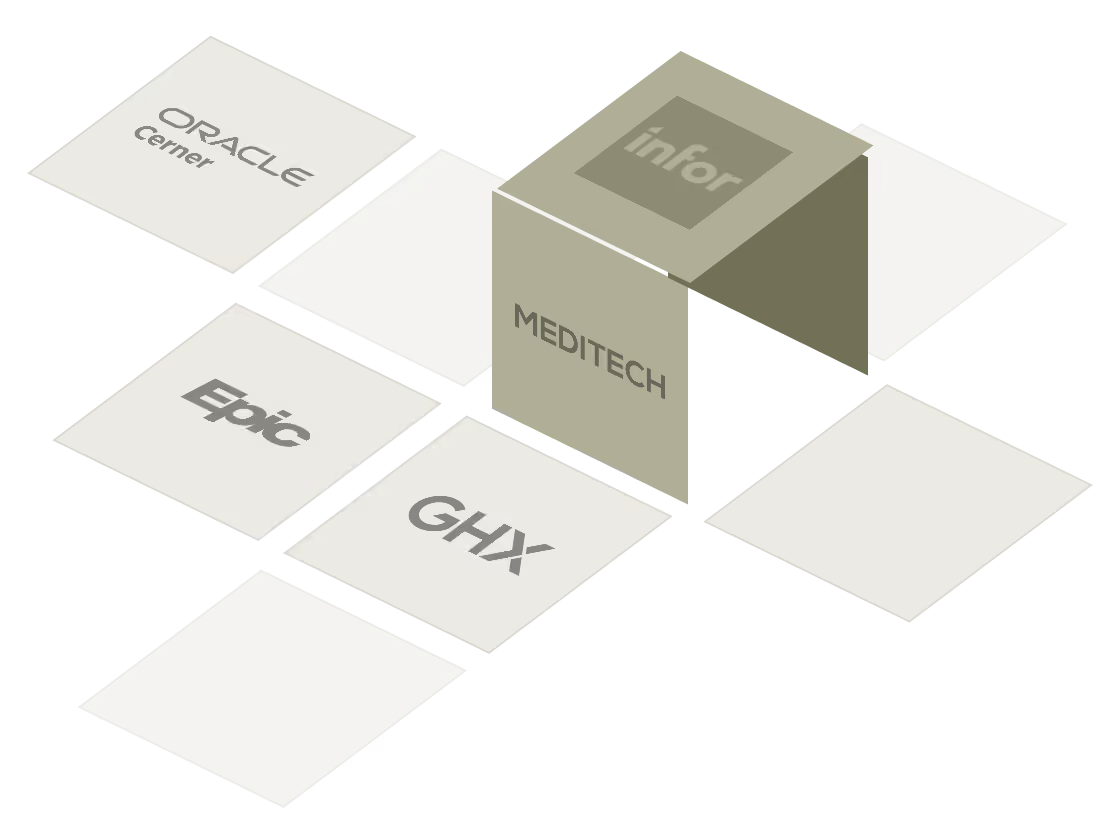
Built to connect with the systems you already use
Trusted integrations with the platforms healthcare runs on.










The systems we integrate with
Catalog
The hospital catalog serves as a single source of truth for item-related information, enabling the critical standardization needed to enact data-driven strategies. Genesis upholds the standards set by the item catalog to ensure continuity across the entire clinical supply chain.
FDB PRIZM
EHR
The electronic health record serves as the central repository for all patient data, providing a comprehensive source that can be referenced across sites and service lines to inform care. Genesis integrates bi-directionally with the EHR to unlock contextual, value-driving insights.
ERP & Finance
The ERP is responsible for running the business of the hospital system, including financials, procurement, human resources and more. By combining key insights from the ERP with clinical traceability data and delivering accurate information on utilization, charge capture, and demand, Genesis enables the entire hospital system to achieve new levels of efficiency and effectiveness.
Ordering & Receipting
The ordering and receipting system is responsible for managing orders and costs associated with a broad range of clinical supplies. The comprehensive utilization and costing data captured by Genesis can powerfully optimize the ordering process and ensure costs are properly allocated.
Custom integrations, built in-house
If it runs in a hospital, we can connect to it.
Our integration team has never met a hospital system we couldn't interface to. Tell us what you run, we'll scope the build, deliver it through our standard delivery process, and fold it into the Interface Library as a fully supported connector. No orphan code. No third-party dependencies. No surprises at renewal.
How it works
Complete interoperability for
more dynamic workflows.
Integration is ingrained in our DNA. Every engagement follows the same structured method, designed to eliminate duplicate data and tasks between systems, and to deliver tangible ROI on a healthcare-realistic timeline.
At Genesis, interoperability is about more than flowing our data into another system. It is about enabling each system to do what it does best, eliminating duplication and data gaps, making users' lives easier, and establishing the continuity needed to make data-driven decisions.
Trusted by leading health systems
Live integrations across 400+ hospital sites.







































Common questions, answered directly
Frequently Asked Questions
More than 220 pre-built connectors across ERP, EHR, GPO and catalog, theatre management, and BI. The Interface Library is modular, every bespoke build becomes a future pre-built connector.
Standard interfaces drawn from the pre-built library typically go live in 2–6 weeks. Bespoke integrations for non-standard systems typically take 6–12 weeks depending on complexity.
We build it. Our in-house team has yet to encounter a hospital system they couldn't interface to. The build is added to the modular Interface Library so it becomes a pre-built connector going forward.
No. Where you already run Cloverleaf, Mirth, Rhapsody, MuleSoft, or Boomi, Genesis routes interfaces through that platform rather than duplicating the layer.
Because the Integration Engine is vendor-agnostic and modular, Genesis-side integrations are re-pointed rather than rebuilt during an ERP migration — protecting your Genesis investment through ERP upgrade cycles.
See what true interoperability looks like across your system.
Schedule a 30-minute walkthrough with a Genesis integration architect. We'll map your current state, identify the systems where data gaps are costing you, and quantify what complete interoperability could unlock on your next quarter's margin.

Continue your Clinical Lifecycle journey